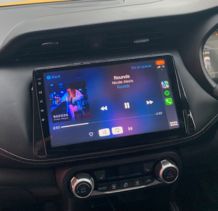
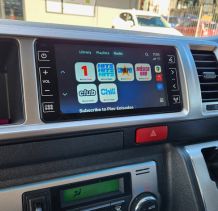
1. Check the quality of the USB cable. It must be capable of conducting data and charge. Most cheap USB cables charge only. We stock the Choetech 3 in 1 USB cable that will plug into both Android and Apple phones.
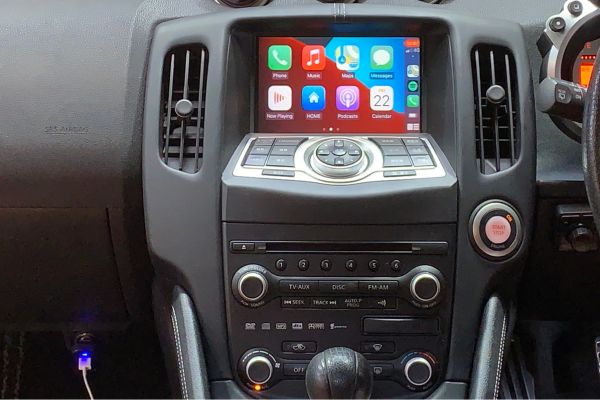
2. Check that you have plugged your phone into the rear USB port (look around the centre console).
3. Lumina Audio X-100, X-130, BTN 100A and BTN 200A multimedia units do not have any capacity to run Apple CarPlay/Android Auto.
4. Check that your phone has the latest software update.
5. Check that the charging port is clean and free from compacted debris.
6. Check that your Bluetooth connection is turned on.