
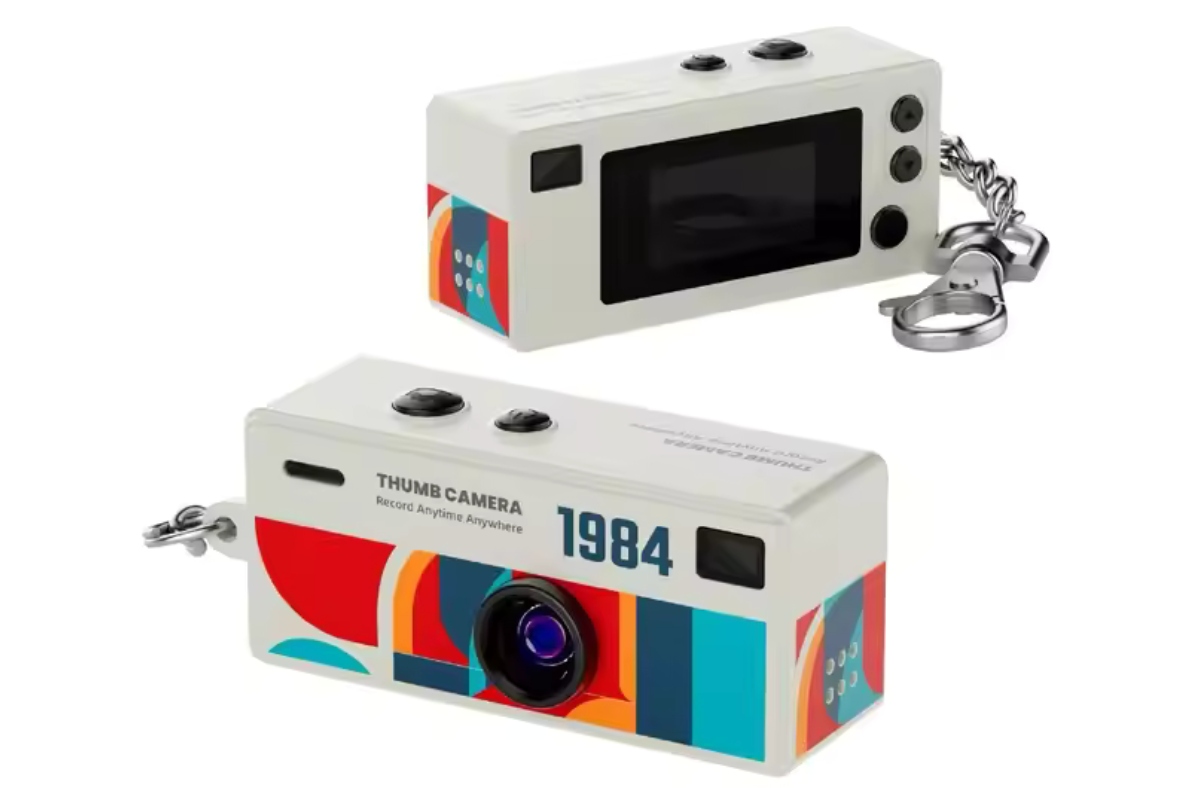
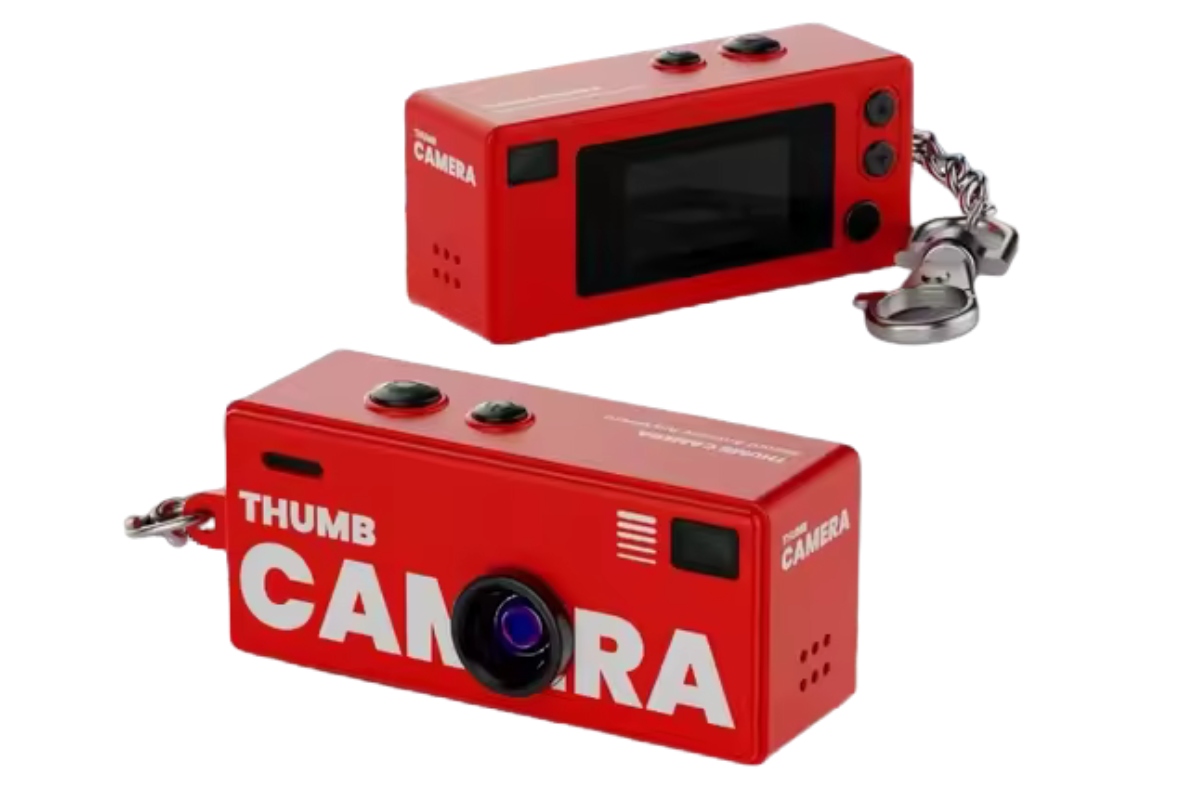
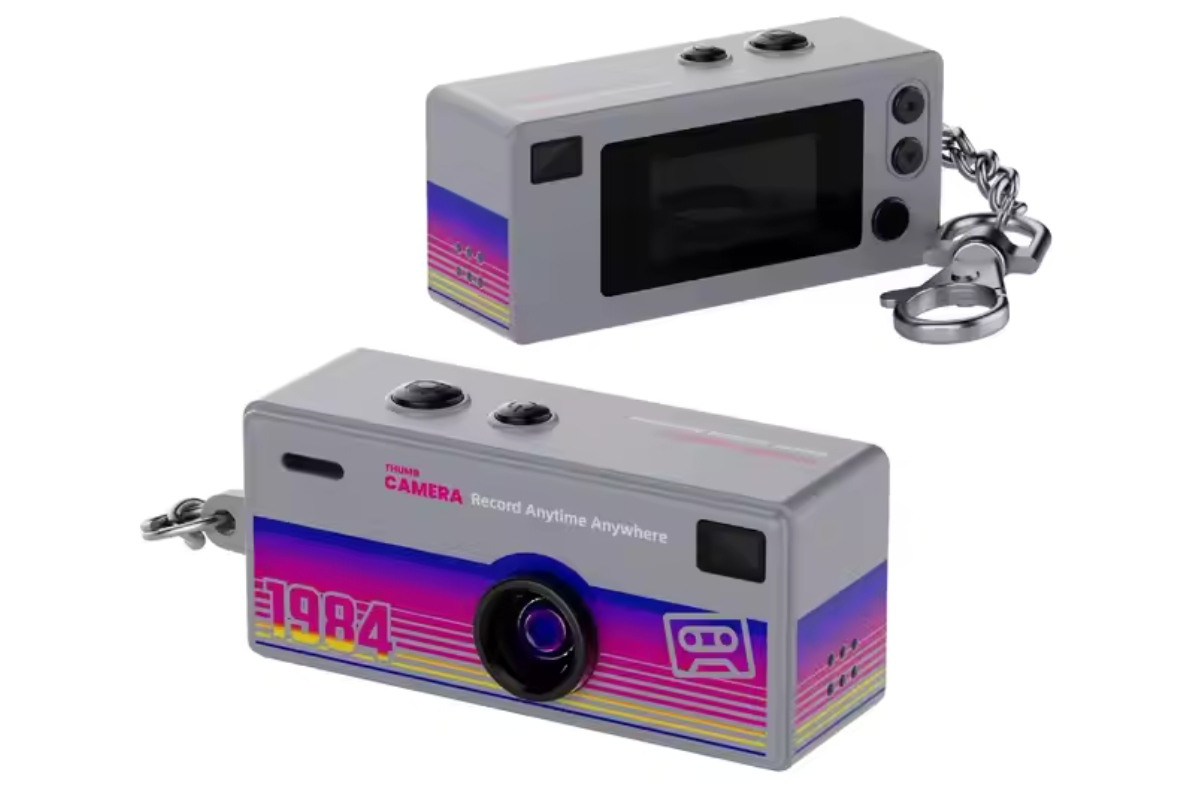
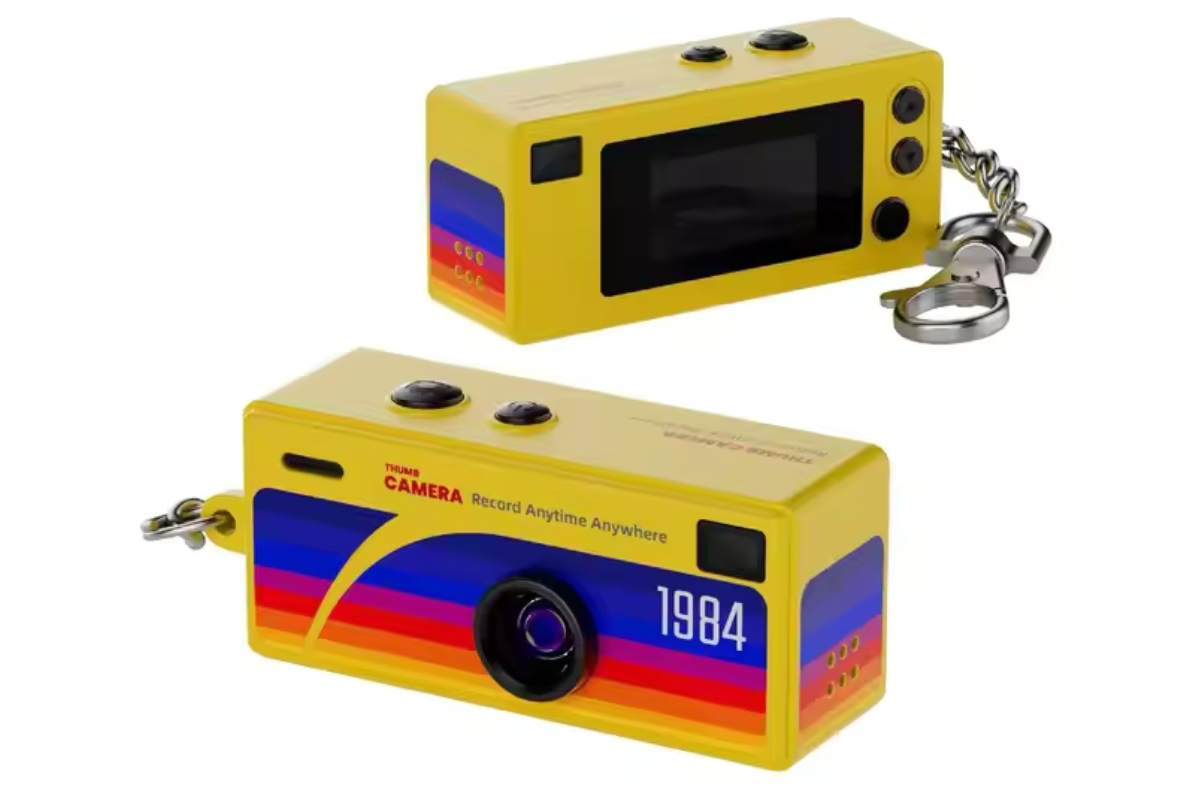
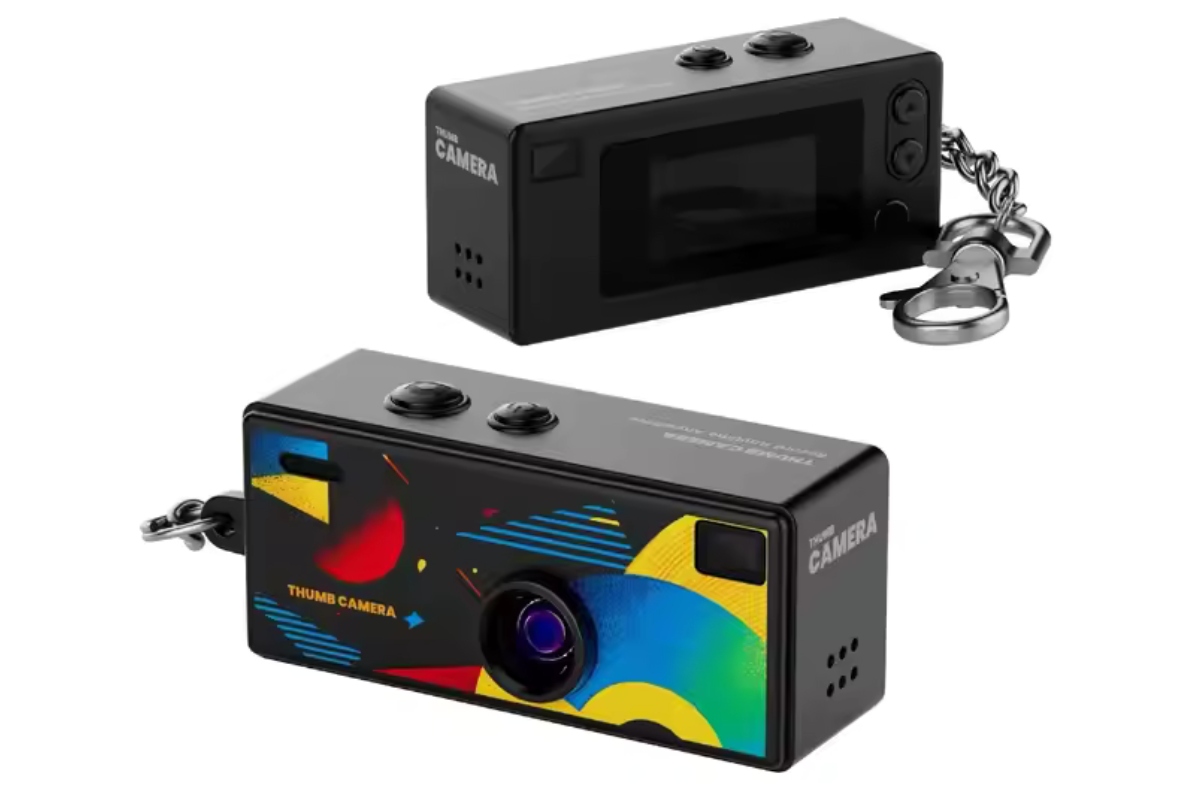
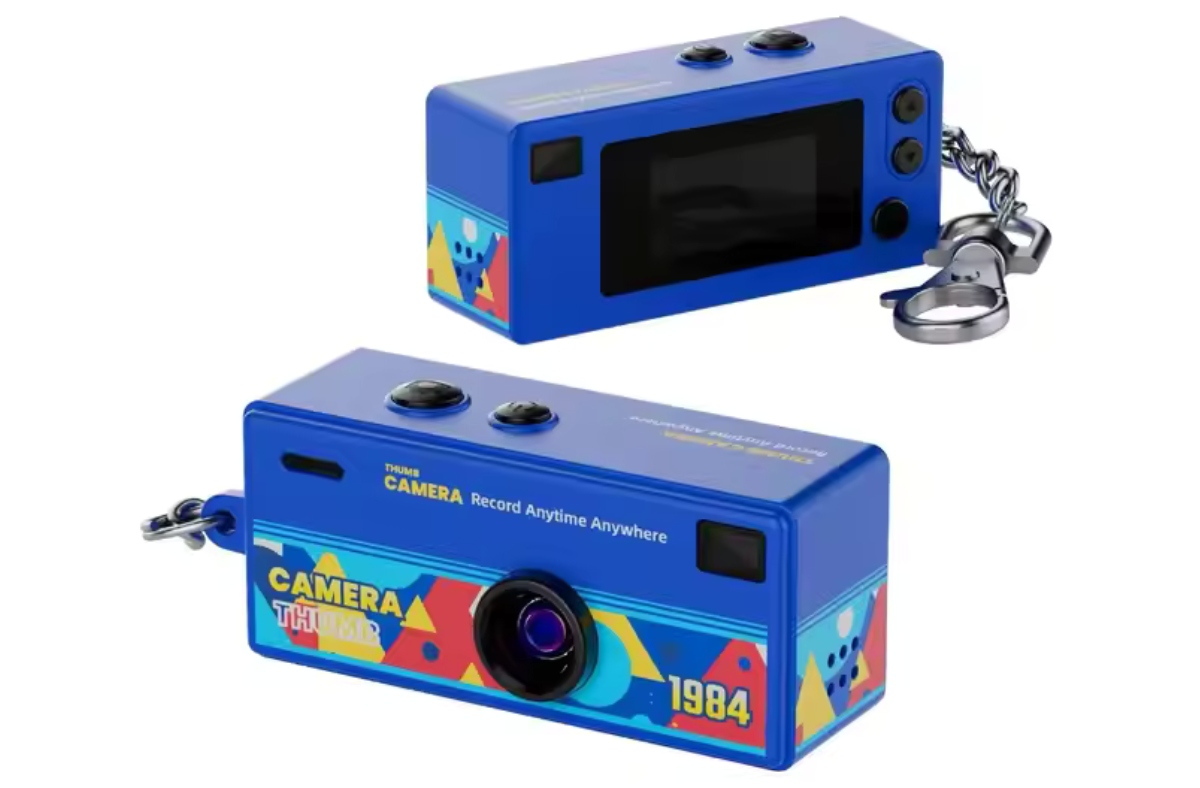
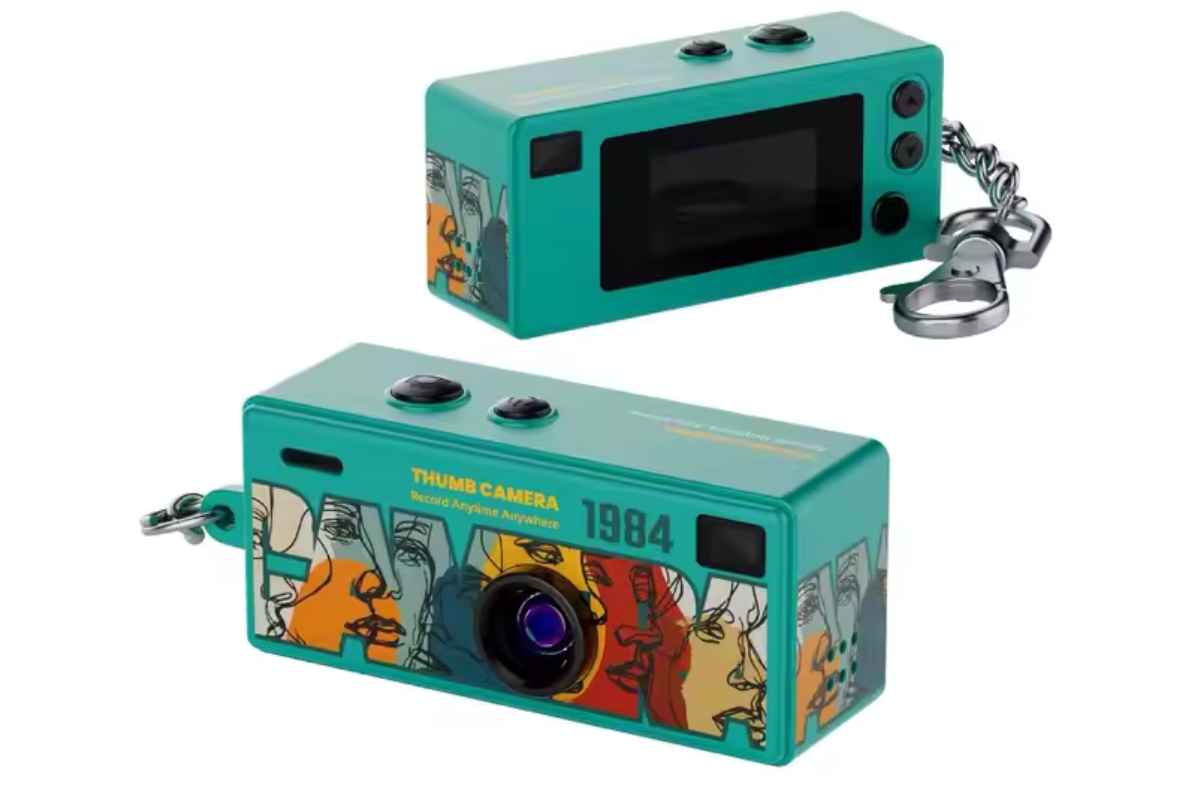

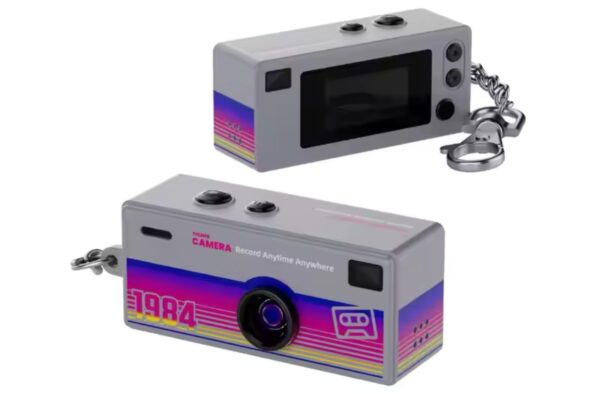
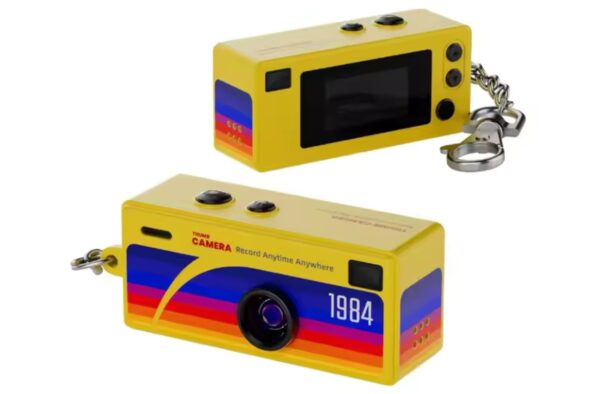
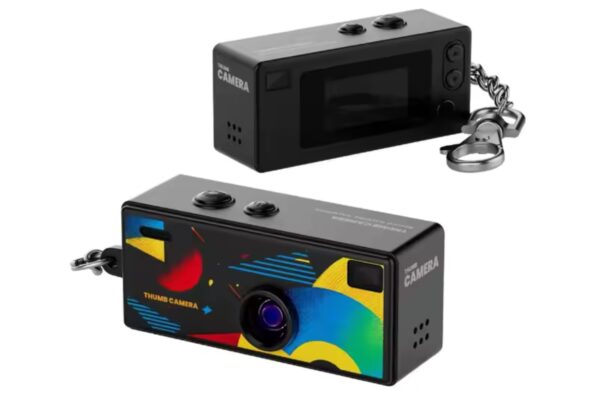
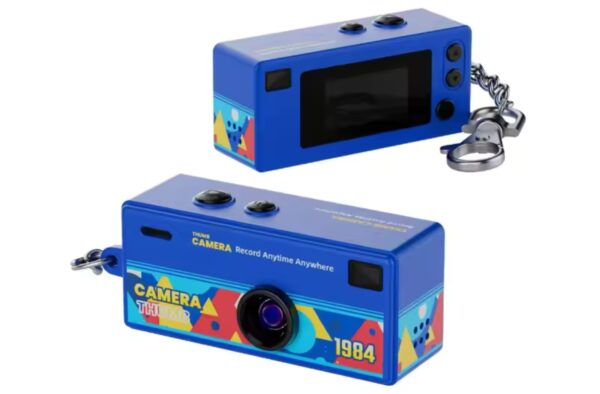
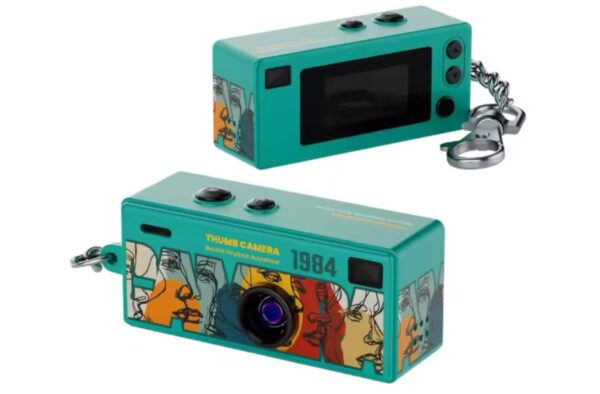
Retro Charm Camera
$49.99 Incl. GST
In stock
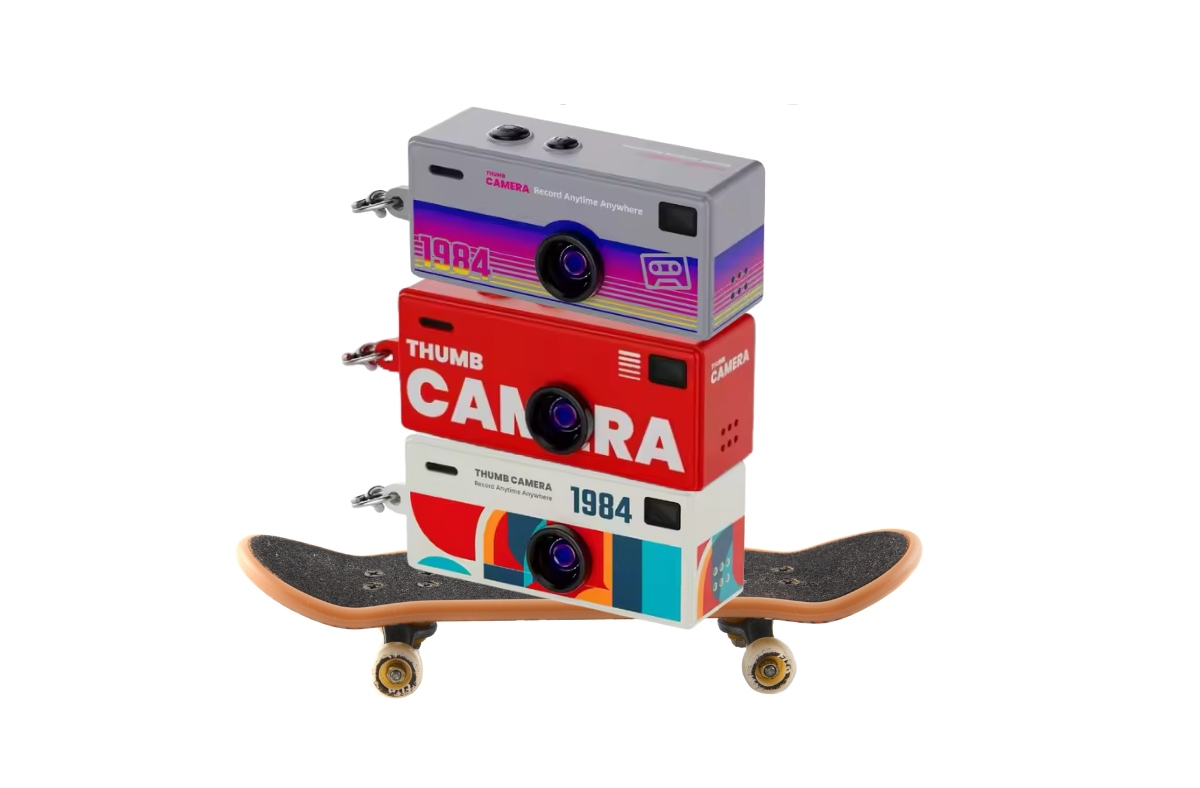
Tiny camera. Big fun.
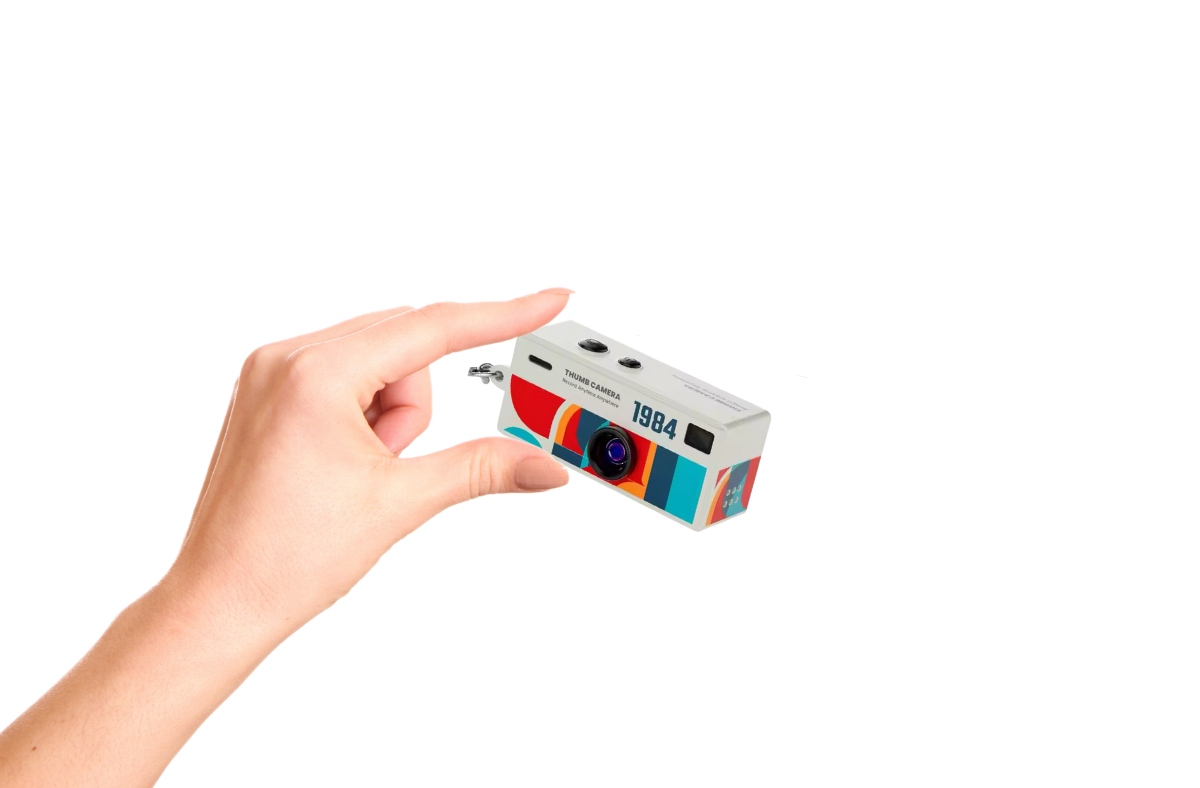
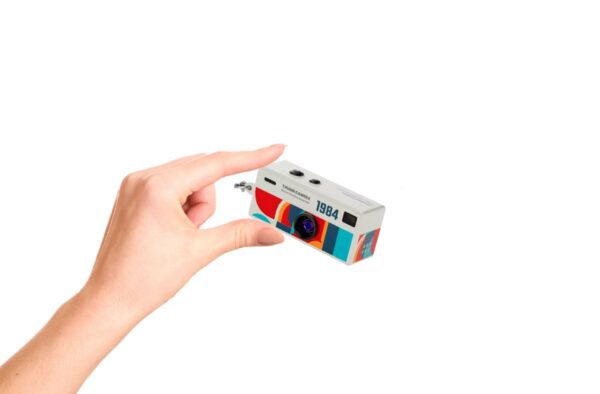
Meet the Retro Charm Camera, a pint-sized camera that fits in the palm of your hand and brings big smiles. Snap photos, record little adventures, or just play around. This tiny camera makes capturing moments fun, easy, and totally adorable.
Perfect for kids, weddings, birthdays and special occasions, collectors, or anyone who loves quirky gadgets, the Retro Charm Camera is lightweight, portable, and super cute — a tiny bundle of fun that goes wherever you go.
You need to insert an SD card (not included) for the Charm Camera to function correctly. All images and video files are saved to the SD card as there is no internal memory. View files
Included: 1 x Camera (Only one) + 1 x USB-C Charging cable.
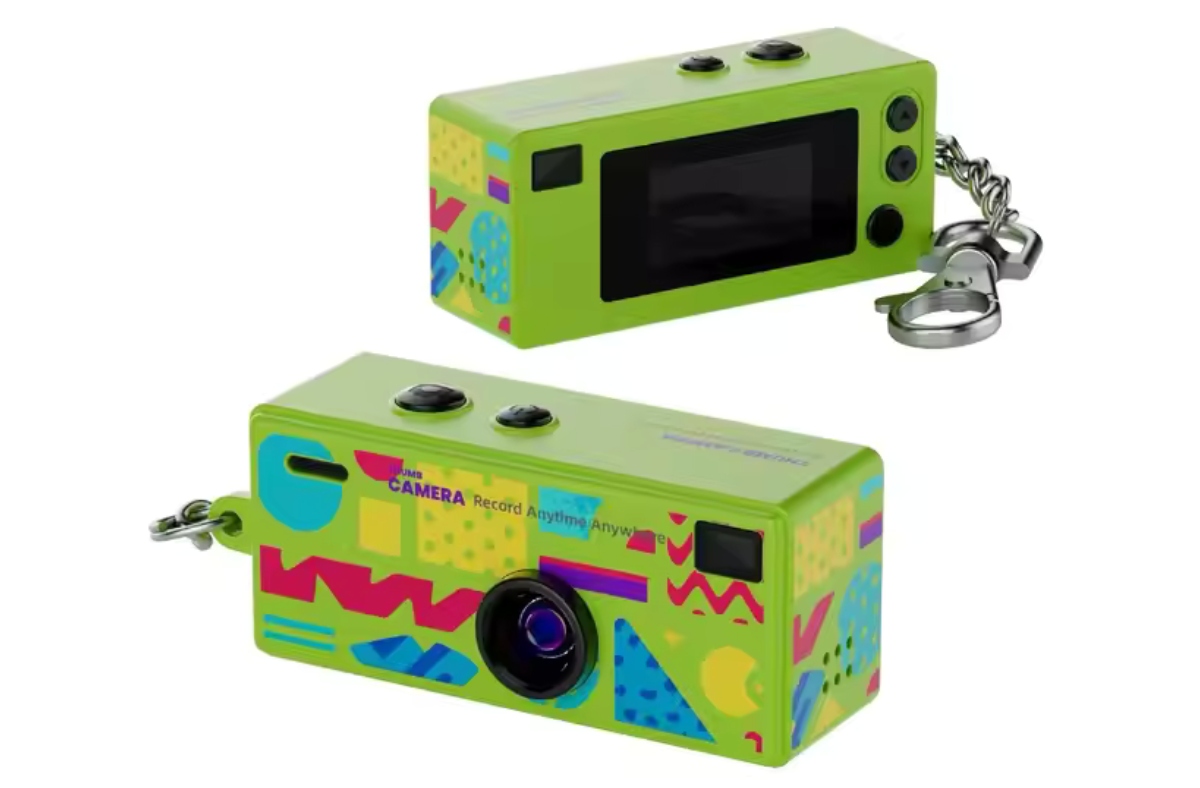
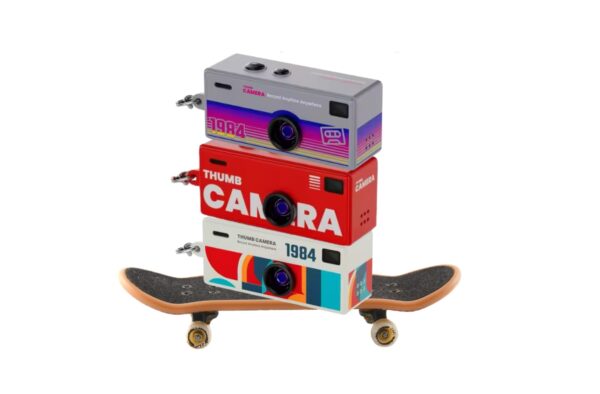
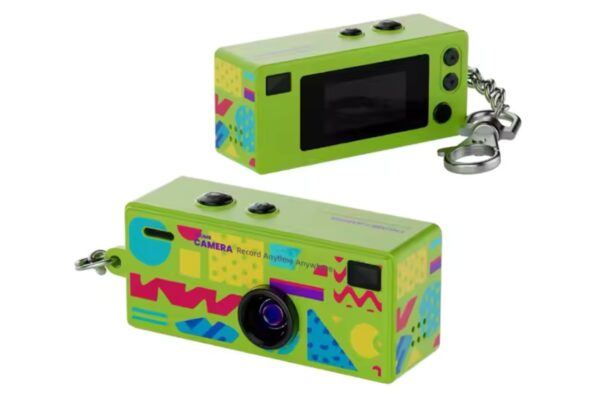
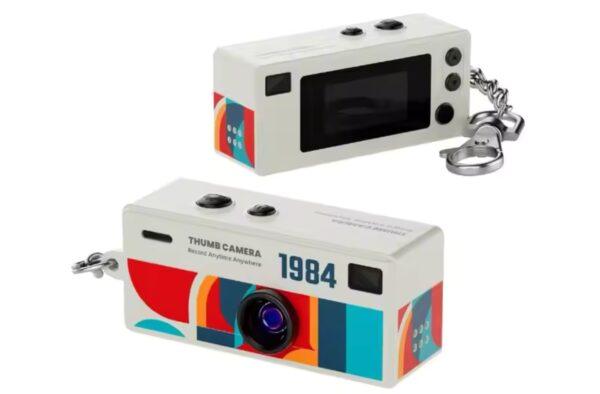
**Due to colour variations, the product you receive will be randomly selected from 9 available versions.
Key Features:
- Built-in Creative Effects: To enhance the “lo-fi” retro aesthetic, the camera includes:
- 7 Filters: Black & White, Cool Tone, Warm Tone, and specific Red, Yellow, Blue, and Gray Pixel filters.
- 4 Frames: Including a classic time and date stamp, Kodak frame, PC (painter) frame, and film (negative) frame with sprocket holes.
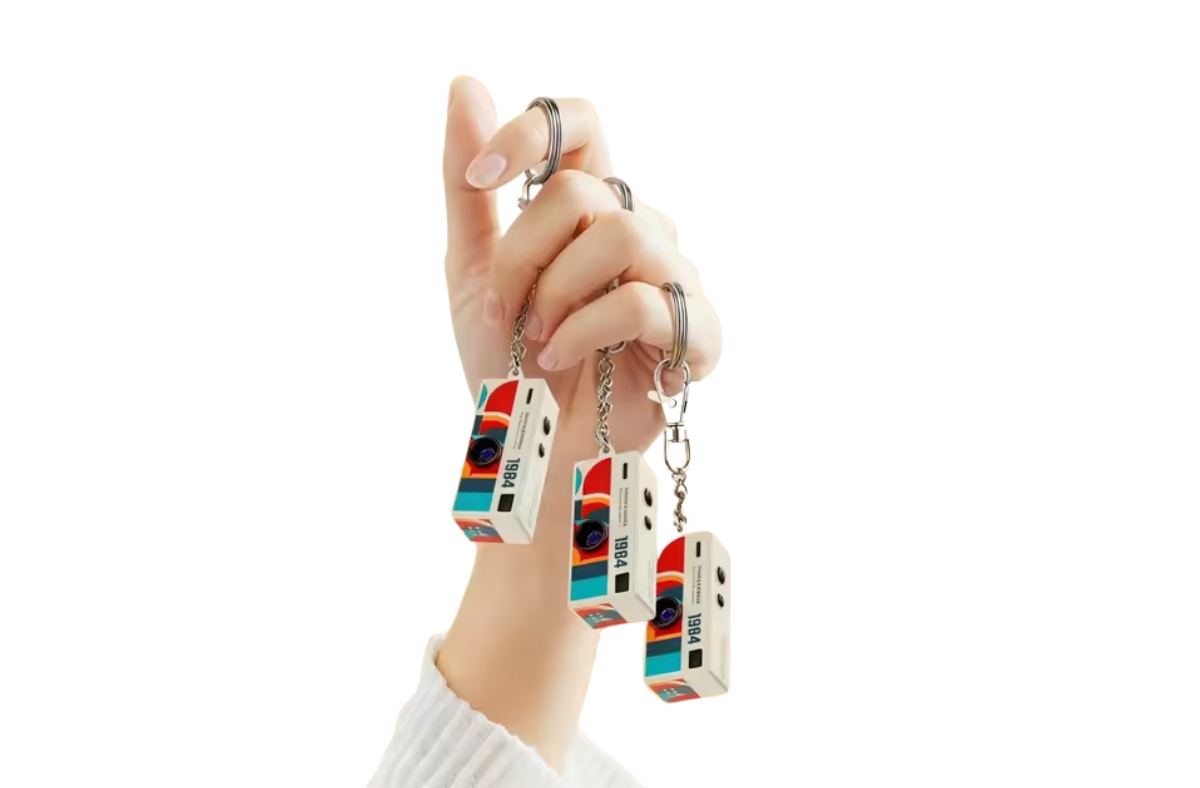
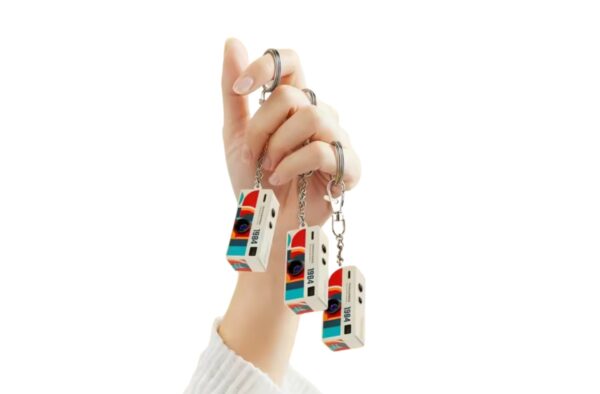
- Attach easily to keyring, bag or belt loop.
- Single/Double/triple shot.
- 2s/5s Timed Capture.
- Auto/Sunlight/Cloudy White Balance.
- +/-2 Exposure Value Adjustment.
- Date Tagging.
- Languages:16+(Chinese/English/German/Japanese, etc.
- Mac users – save files to an SD card (not included).
- PC users – download using USB-C cable provided.
Specifications:
- 24.4mm screen for easy framing and playback.
- 130 degree wide angle lens.
- 40MP high resolution sensor, capable of capturing detailed images rich in color and contrast.
- 1080p video resolution.
- Audio: WAV(512Kbps).
- 0.96 inch TFT LCD screen.
- Auto focus.
- Supports 8gb to 128gb Micro SD cards (not included).
- Compact and lightweight.
- Camera dimensions 62.8 x 58 x 26 mm.
- Camera weight 26g.
Please enquire about bulk buy discounts. Contact us here
Press and hold Power button to turn on/off
Select Mode using the mode button to carousel through the different mode options.: Either 1.Take a Picture, 2.Make a Video, 3.Sound Recording, 4.Playback
When in Take a Picture, Make a Video or Sound Recording modes: Push the Camera button to open the shutter, start/stop recording a video, start/stop recording a sound.
When in Playback mode: Use up and down arrows to scroll through files.
Related products

Wireless Commander 8.0 Adapter Wired CarPlay/Android Auto to Wireless CarPlay/Android Adapter
Original price was: $79.99.$49.99Current price is: $49.99. Incl. GST
Retro Charm Camera
$49.99 Incl. GST
In stock